Stand up one private Facebook group that runs as a short, fixed-date workshop, then closes. Work top to bottom. Facebook renames its menus often; if a setting is not where this says, find the closest match on the screen.
This group
| Group name | Get Chosen: The Texas Contractor Workshop |
| Web address | getchosentx (fallback: getchosentx2) |
| Privacy | Private |
| Visibility | Visible (Hidden is teardown only) |
| Member tag (Group Leads) | mg-tx-aug3 |
Only the name, URL, and tag change per workshop. Tag pattern: mg-<location>-<month><start-day>.
Files we give you
Click each one to download it:
0 · Have ready
A personal Facebook profile (to be admin) and the public Page, facebook.com/ttscontractors.
1 · Create the group
From the Page if you can, so it links to the brand. Name it exactly: Get Chosen: The Texas Contractor Workshop.
2 · Privacy → Private
Required. Never switch to Public later.
3 · Web address + visibility
Set the web address to getchosentx. Set Visibility to Visible. Private already keeps it out of search; Visible is what lets an invited contractor land on the join screen from the email or thank-you page. Hidden is the teardown move at the end, never at setup. Copy the join link and send it back to us so we can point the contractor page and sign-up page at the group.
4 · Description
Paste into the group description, exactly:
FREE TRAINING for licensed contractors running a real business who are paying for shared or purchased leads and want to stop chasing homeowners and get chosen instead.
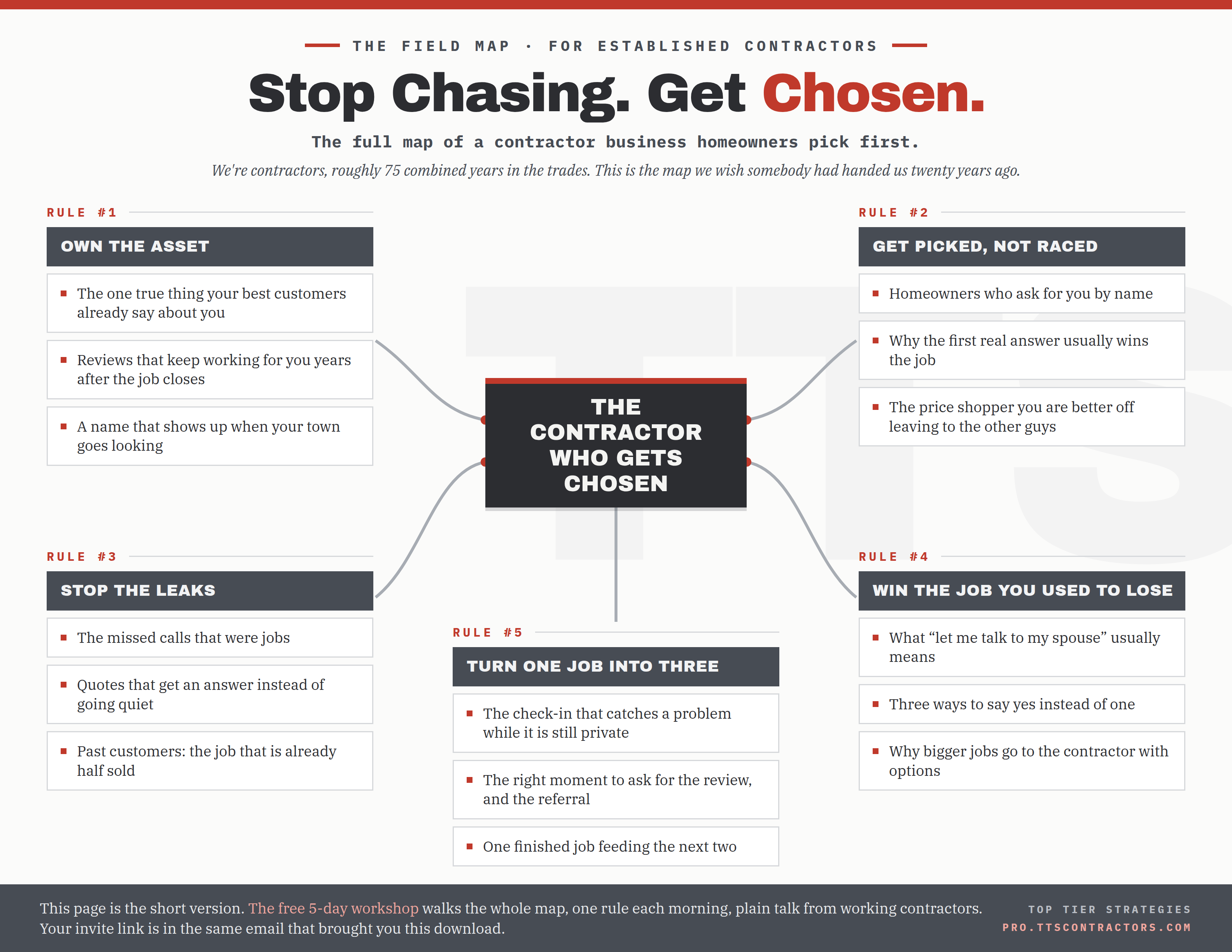
The five rules for getting a homeowner to pick one contractor by name, before the bidding war starts.
Five short recorded lessons you can watch on your own time. The workshop runs for a limited window, then the group closes.
Hosted by Top Tier Strategies.
5 · Cover + icon
Upload both files we give you: the cover image and the group icon. (These are evergreen, no city and no dates.)
6 · Approval + questions
Turn membership approval ON. Add these 3 questions (the max); mark 1 and 2 Required:
- Are you a registered/licensed contractor? (Required) — Yes / No
- What’s the best email to send the workshop materials to? (Required) — write-in
- Are you currently paying for shared or purchased leads (Angi, Thumbtack, etc.)? — Yes / No / I have in the past
Backup, in case Required does not block a blank: decline any request that skips a required question. Stop approving new members at the end of Day 3, when the ads stop.
7 · Posting
Member posts ON with post approval ON. Comments open on host posts.
8 · Rules
Add these six (Facebook caps rule length, so keep them short):
- Be respectful. This is a room full of pros.
- No pitching, promoting, or selling to others.
- Don’t DM members to sell them anything.
- Stay on topic; keep posts about the material.
- This group is open for a short time, then closes.
- Show up daily so you don’t miss a video.
9 · Group Leads (lead capture)
Already installed and connected. For this group: open the Group Leads button, add this group as a new group, keep the same connection, same account, and same spreadsheet, and change only the tag to mg-tx-aug3. From now on, approve members through the Group Leads button (not Facebook’s plain approve), so everyone is captured with the right tag.
If Group Leads is already at its group limit, remove the oldest finished group’s slot first, then add this one. Do not remove a group that is still running.
⚠ Do not skip this. It is the single step that breaks everything.
A brand-new group has its autoresponder switched OFF by default. That switch is the only thing pushing each lead into GoHighLevel. Turn it on before you open the group:
- In this group’s Group Leads settings, open the Autoresponder tab.
- Switch Enable Autoresponder to ON.
- Set the credential to Gohighlevel v2.
If it stays off: members still land in the spreadsheet, but nothing reaches GoHighLevel. No tag, no workflow, no email fires for anyone. This is exactly what happened last group.
→ Click-by-click walkthrough with screenshots — every tab and toggle in Group Leads, including the autoresponder and the field that erases itself. Use this launch’s group name and tag from the table above, not the examples in the screenshots.
10 · GoHighLevel tag + workflow (admin does this)
Handled on our side before the test below, not by whoever sets up the group. Two parts: create the tag mg-tx-aug3 in GoHighLevel → Settings → Tags, then open the mini-group workflow and set its trigger to fire when that tag is added (Contact Tag → mg-tx-aug3). The tag has to exist first, because the trigger dropdown only lists tags that already exist. If it is not wired, leads still come in tagged but nothing fires for this group.
11 · Post and pin before you open
- Schedule post. Type the dates we give you into a normal text post and pin it. Do not use an image with the dates baked in, so it stays easy to update.
- Field guide PDF. Upload the field guide (the lead magnet) and pin it.
- The six rules are already set in Step 8. Feature each workshop video as it drops.
Never open an empty room.
12 · Test before any ads
With a spare account that is not a member: click the join link → answer all questions → approve via the Group Leads button → confirm the name, answers, and email land in the sheet with the right tag → confirm the same lead also shows up in GoHighLevel (if it is in the sheet but not in GoHighLevel, the autoresponder from Step 9 is off) → confirm the account sees the pinned posts and can comment. Nothing spends until this passes.
When it ends
Midnight on the final day: block (do not delete) every member, save the posts for review, hand the member list back to the team.